


Wallpaper 3D Live
4.6458.00 Reviews
App Specs
- Version
- 3.6.6
- Updated On
- License
- Free
- Downloads
- 10,000,000+
- Developer
- VideoRoom Editor
- Categories
- Personalization
- Platform
- Android, iOS
Screenshots
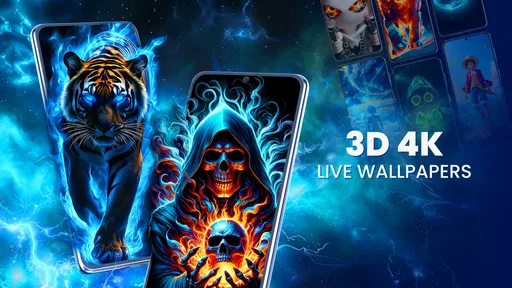
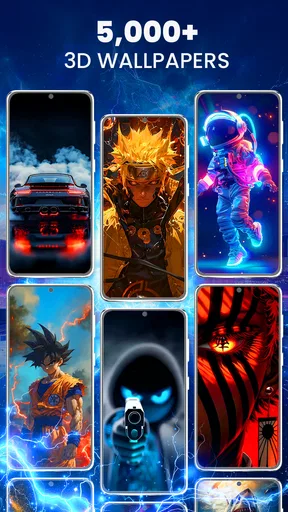
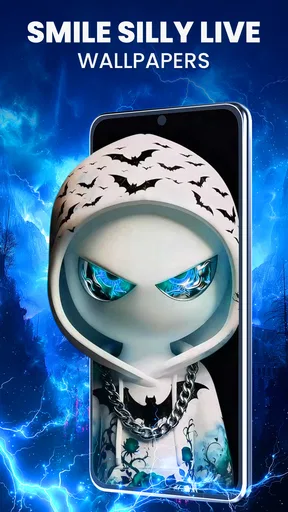
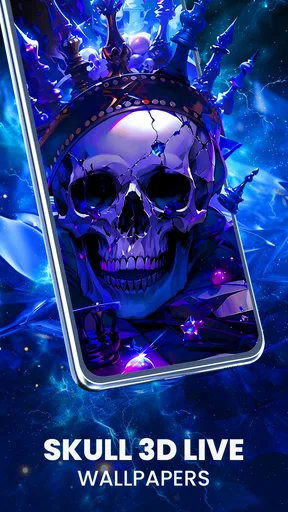
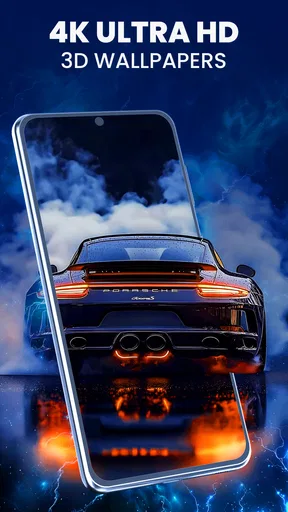
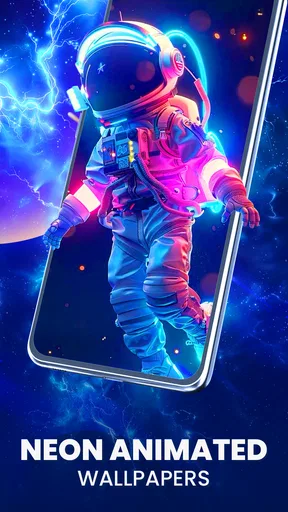
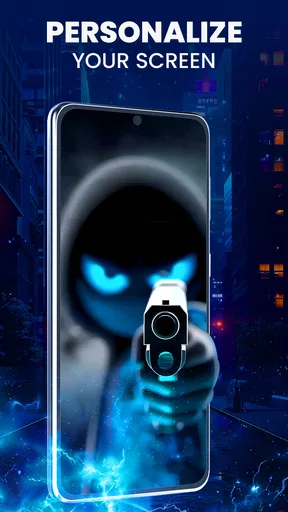
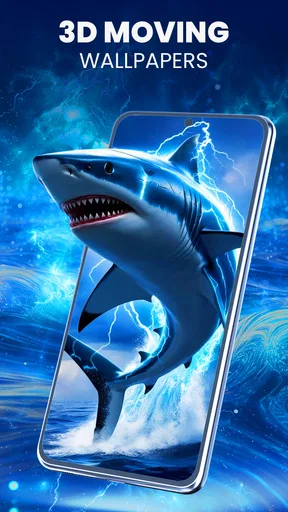
 Analysis by AppCompare
Ever wanted to spruce up your phone with something a bit more dynamic than the usual static images? Well, let me introduce you to Wallpaper 3D Live. This app is like a breath of fresh air for your device, offering a plethora of stunning 3D wallpapers that come to life right on your screen. I spent some time playing around with it, and here's what I found.
Who will enjoy a moving background?
I’d recommend this personalization app to people who enjoy seeing a little motion whenever they check their phone and like changing the look of their screen without creating their own artwork. Its focus on depth and movement makes it a different choice from a conventional wallpaper gallery, where the main decision is usually which still image to use. If you want your background to feel more alive, the 3D presentation is the main reason to give it a try.
It is less compelling if you prefer a quiet, low-distraction screen, or if you choose wallpapers mainly to keep icons and text easy to read. Motion and layered visuals can compete with widgets and app labels, especially when the design is busy. I’d look for a restrained image and dial down the effect rather than assume every wallpaper will suit a practical home screen.
A useful way to choose a wallpaper
One small but worthwhile tip is to judge a design with your actual home-screen layout in mind. A dramatic scene may look impressive in a preview but become cluttered once icons sit over it. I’d try a few options and check both the lock screen and the home screen before settling on one. That quick comparison helps distinguish a wallpaper that looks good by itself from one that works as part of your everyday phone setup.
The depth effect also makes restraint useful. If a scene already has strong movement or detail, a lighter 3D setting can keep the image from feeling too busy. Conversely, a simple composition may benefit from more pronounced perspective. I’d treat the adjustment as a way to balance the wallpaper with the rest of the screen, not simply turn the effect up as far as it goes.
First Impressions
When I first opened Wallpaper 3D Live, I was greeted by a sleek and user-friendly interface. The app is intuitive, which is always a plus in my book. Navigating through the different categories is a breeze, and the search function is surprisingly effective. You can easily find themes ranging from serene landscapes to futuristic abstract designs. It's like having a mini art gallery in your pocket!
Features that Stand Out
What really sets this app apart is its dynamic 3D effects. The wallpapers are not just moving images; they react to your device's movements. Tilt your phone, and the wallpaper shifts perspective, giving you a truly immersive experience. It's a neat trick that never fails to impress anyone who sees it.
Worth Reading Before You Choose

Flipboard Shows What News Apps Must Do Beyond the Feed

Switching to Android Auto Means Rethinking Your Driving Routine

Google Calendar Makes a Crowded Week Easier to Manage

Ludo King Makes the Most of the Minutes Between Plans

Baby Panda World Brings Quick Play to Modern Phones, but Its Game Library Feels Busy

ESPN’s Live Game View Makes Following Close Games Easier
Customization is another strength here. You can adjust the intensity of the 3D effect, which is great if you prefer a more subtle look. Plus, the app lets you schedule changes, so your wallpaper can evolve throughout the day. Morning ocean views, afternoon cityscapes, and starry night skies – you name it, this app can do it.
Speed and heavier use
For a live wallpaper, the most useful speed test is ordinary use: unlock the phone, move between screens, and see whether the background becomes an annoyance. The experience is designed around visual movement, so I’d pay attention to whether the animation feels comfortable on your device rather than expecting a still image’s complete lack of activity. If it feels distracting, a softer 3D setting is a sensible first adjustment.
Scheduled changes can make the wallpaper feel fresh without requiring you to browse every time you want a different look. I’d keep the schedule simple at first and choose a small set of scenes that work at different times of day. That way, the changing background remains a pleasant detail rather than another thing to manage. If you prefer one consistent look, there is no need to use scheduling just because it is available.
Performance and Compatibility
On the performance front, Wallpaper 3D Live runs smoothly without draining your battery life, which is a common concern with live wallpapers. I tested it on both Android and iOS devices, and it worked flawlessly on both platforms. The developers have clearly optimized the app well.
Compatibility is also impressive. Whether you have the latest smartphone or an older model, this app should work without a hitch. It's always nice when an app doesn't discriminate against my slightly outdated device!
What to expect from a live background
In practice, a moving background asks more of a phone than a static picture does, even when the effect is subtle. I would not assume the same feel on every device: display size, age, and the way a person uses their phone can all affect whether animation feels smooth or worth the trade-off. If your phone already feels sluggish, a static wallpaper is the safer choice because it adds no movement to the experience.
Battery comfort is personal, too. Someone who glances at the screen occasionally may barely notice the background, while someone who repeatedly wakes the phone may be more aware of it. I’d try the wallpaper through a normal day before deciding whether it belongs permanently on the screen. If you notice extra warmth, lag, or faster battery use, switch to a still image and see whether that improves things rather than pushing through an effect you do not enjoy.
Reliability and recovery
A wallpaper is something you expect to keep working quietly, so I’d judge reliability by whether the chosen look remains comfortable over repeated unlocks and whether changing it again is straightforward. If a particular scene feels too active, the adjustable effect gives you a practical way to tone it down. If you would rather not troubleshoot a visual setting, returning to a simple static background is an easy fallback.
Before making a scheduled rotation part of your routine, I’d use a straightforward setup and see how it behaves for a while. A smaller selection makes it easier to identify which image or effect you actually like, and it avoids turning customization into a chore. The best setup is the one you can leave alone and enjoy, not the one with the most changes.
Some Personal Thoughts
I have to say, I've become a bit obsessed with Wallpaper 3D Live. It’s more than just eye candy; it transforms your phone into a canvas of endless possibilities. Every time I unlock my phone, it's like a mini escape from reality. It adds a bit of magic to my daily routine, which I didn't realize I needed until now.
However, as much as I love the app, I did notice a slight hiccup. While most wallpapers are free, some of the premium ones require a purchase. It’s not a deal-breaker, but something to be aware of if you're not looking to spend.
Cost, alternatives, and everyday use
The app is free to download, but optional in-app purchases run from ten cents to just under fifty dollars per item. I’d browse the free choices first and decide whether a paid design is worth it only after seeing how often I actually use the app. That approach is especially sensible for a wallpaper, since a striking preview does not guarantee that the image will remain comfortable behind icons throughout the day.
For a typical day, imagine checking messages between errands and then glancing at the screen during a break. A subtle landscape with restrained depth can add a little character without demanding much attention; a vivid, constantly changing look may feel less relaxing when you are trying to read notifications quickly. The app suits the first kind of user better than someone who wants the screen to stay visually still and predictable.
Compared with ordinary wallpaper apps, this one puts the emphasis on motion and perspective rather than simply supplying a background image. A static gallery is a better fit if you want the lightest, simplest option or need a design that stays perfectly still. A custom image is also preferable when you already have a specific photo or layout in mind. I see this app as a choice for people who want to explore ready-made animated looks, not as a replacement for every kind of wallpaper tool.
Availability and practical fit
VideoRoom Editor develops the app, which is listed in the personalization category. It is free, is rated for Everyone, and its current version is 3.4.4. The app was released on October 23, 2024, and the listed minimum operating-system requirement is version 8.0. Those details make it worth checking your device’s software before installing, particularly if you keep an older phone and do not want to spend time setting up an app that cannot run there.
Its audience size gives some context for its place in the category: it has an average rating of 4.4 from around 35,000 ratings and more than ten million installs. I would treat that as a sign that the format has broad appeal, not a promise that every device or wallpaper will suit every person. The actual decision is simpler: do you enjoy a background that moves, and does it remain easy to use alongside your everyday icons?
Final Thoughts
In conclusion, Wallpaper 3D Live is a fantastic option for anyone looking to add some flair to their device. Its range of features, from the dynamic 3D effects to customizable options, make it a standout in the sea of wallpaper apps. Whether you're a tech enthusiast or just someone who appreciates a good visual, this app is worth checking out.
So, if you're ready to give your phone's home screen a makeover, you can download Wallpaper 3D Live from the app store today. Trust me, once you go 3D, you won't want to go back!
My performance verdict
I’d try it if the appeal of depth and movement matters more to you than having the quietest possible screen. Start with a simple wallpaper, keep the effect modest, and test it during your normal routine before relying on a schedule. If the animation distracts you, feels uncomfortable, or seems like an unnecessary demand on an older device, a static image is the better choice. For anyone who enjoys a livelier look and is happy to tune it to their taste, this is an engaging personalization option with a clear purpose.
Pros
- Stunning 3D visuals enhance device appearance.
- Easy customization with various themes.
- Minimal battery usage despite live animations.
- User-friendly interface for seamless navigation.
- Frequent updates introduce new wallpapers.
Cons
- Some themes require in-app purchases.
- Occasional lag on older devices.
- Limited free options available.
- Ads can be intrusive at times.
- Requires stable internet for downloads.
FAQs for Wallpaper 3D Live
What features does Wallpaper 3D Live offer?
Wallpaper 3D Live offers a dynamic selection of animated wallpapers that bring your device to life. With customizable settings, you can adjust the speed, intensity, and style of the animations. The app also supports a wide range of themes, allowing users to choose from nature, abstract designs, and more.
Is Wallpaper 3D Live compatible with all devices?
Wallpaper 3D Live is designed to work on most Android and iOS devices. However, due to its graphical intensity, it may perform better on newer models with more powerful hardware. Users with older devices might experience slower performance or limited functionality.
Does Wallpaper 3D Live drain battery life significantly?
While 3D live wallpapers are generally more demanding on your device's resources, Wallpaper 3D Live is optimized to minimize battery consumption. Users are advised to tweak settings to balance visual effects with battery usage, especially on devices with smaller battery capacities.
Can I use my own images in Wallpaper 3D Live?
Yes, Wallpaper 3D Live allows users to import their own images and apply 3D effects to them. This feature enables personalized customization, letting you transform your favorite photos into stunning live wallpapers that reflect your personal style.
Is there a cost associated with Wallpaper 3D Live?
Wallpaper 3D Live is available as a free download with basic features. However, it offers in-app purchases for additional themes and customization options. These purchases can enhance your experience by unlocking premium content and advanced settings.


